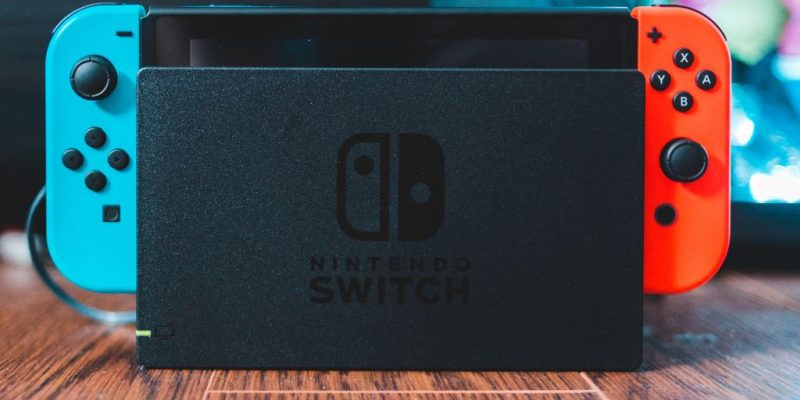
The Nintendo Switch is equipped with parental controls to limit access to certain content for younger users. However, it can happen that you forget this security code, making the console difficult to use. Fortunately, there are several solutions to recover or reset this code without losing access to the console’s features.
Why is the parental code important on the Switch?
The parental controls of the Nintendo Switch are designed to ensure appropriate use for children based on their age. It allows you to restrict access to certain games, limit online purchases, and monitor playtime. This protection is particularly useful for parents who want to provide a safe gaming experience for their children.
However, when the PIN code is forgotten, the situation can quickly become frustrating, especially if you can no longer access settings or games. It is therefore necessary to know how to restore access by following a few simple steps.
Also read:
Recover the parental code via the mobile app?
If you have set up parental controls using the Nintendo Switch Parental Controls mobile app, you’re in luck, as recovery is simpler.
- Open the app on your smartphone or tablet.
- Go to the console settings from the app.
- Select Parental Control Settings, then tap on PIN Code.
- You will then see your current parental code or have the option to reset it.
This method is effective if you still have access to the app and your account is properly synchronized with the console.
Reset the parental code directly from the console
If you haven’t set up the app or have changed phones since, don’t worry. The Nintendo Switch offers a method to recover the code directly from the console.
- Turn on the console and access the System Settings from the home screen.
- Scroll down to Parental Controls, then tap on Change PIN.
- Select I forgot when the screen asks for the code.
- A request code will then be displayed. Be sure to note it accurately, as it is essential to obtain a master code.
See also:
Obtain the master code on the Nintendo website?
To unlock your console with the request code, you will need to obtain a master code directly from the Nintendo website.
- Go to the official site support.nintendo.com using a web browser.
- Search for Forgotten Parental Code and click on the corresponding option.
- You will need to enter the request code displayed on your console as well as the current date.
- You will then receive a master code that will allow you to reset your PIN code.
It is possible that Nintendo may request a small payment (around €0.50) for this operation. This procedure ensures that you are indeed the owner of the console.