
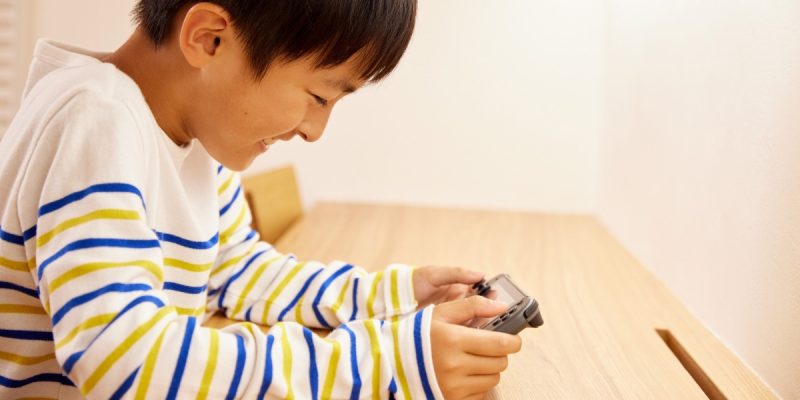
Many players ask this question: can you turn your smartphone into a controller for Nintendo Switch? The answer is not simple. Officially, Nintendo does not offer any option to use a phone as a Joy-Con. The console is not designed to recognize a smartphone as a gaming peripheral. However, some third-party solutions allow you to bypass this limitation by using specific apps or interfaces that replicate buttons and sticks on the touchscreen.
It is important to understand that this method cannot completely replace an official Joy-Con. The precision and responsiveness vary depending on the app used and the type of game. For very fast or competitive titles, latency can be an issue, but for simpler games or navigating menus, the smartphone can serve as a very practical temporary solution.
Can these apps really replace a Joy-Con?
Some apps create a touch interface on your smartphone, simulating classic buttons and analog sticks. There are solutions for iOS and Android, and some even allow connection via Bluetooth or Wi-Fi. Although these apps offer an interesting temporary alternative, they do not always replicate all the functions of a Joy-Con, including HD vibrations, motion sensors, or screenshot buttons.
For casual players or those who want a quick fix, these apps remain useful. They allow for multiplayer gaming without buying an additional controller and are convenient for impromptu multiplayer evenings. However, they are less reliable for games requiring quick and precise reactions.
How to connect your smartphone to the Switch?
The connection process is generally done through the chosen app. After installation, you need to enable Bluetooth on the console and the smartphone, then pair the two devices according to the app’s instructions. Once configured, the phone functions as a virtual controller, but there may be a slight delay in commands. The stability of the connection strongly depends on the quality of the app and the compatibility between the smartphone and the Switch.
Even with a successful connection, some games may remain difficult to control. Fast movements or complex key combinations do not always respond optimally on a touchscreen. This is why this method is mainly suitable for simple games, menus, or mini-games, but less so for competitive titles.
Why using your smartphone remains a good temporary solution?
There are several situations where turning a smartphone into a controller is really useful. When a player only has one Joy-Con available, it allows a friend to join the game without an additional purchase. It is also convenient for testing a game before deciding to buy a new controller or for quick and impromptu gaming sessions.
According to community data, about a quarter of Switch players have already used an alternative solution to compensate for the lack of a Joy-Con, demonstrating the real interest in this trick.
Improving the experience to make the smartphone more comfortable
To get the most out of this method, some precautions are necessary. It is advisable to keep the phone plugged in to prevent the battery from draining quickly. Using a stand or case can make handling easier and reduce fatigue during gameplay. Finally, choosing a reliable and regularly updated app can help limit disconnections and latency.
These adjustments make the experience much smoother, but it is important to keep in mind that the smartphone does not entirely replace an official Joy-Con, especially for demanding or prolonged games.





