
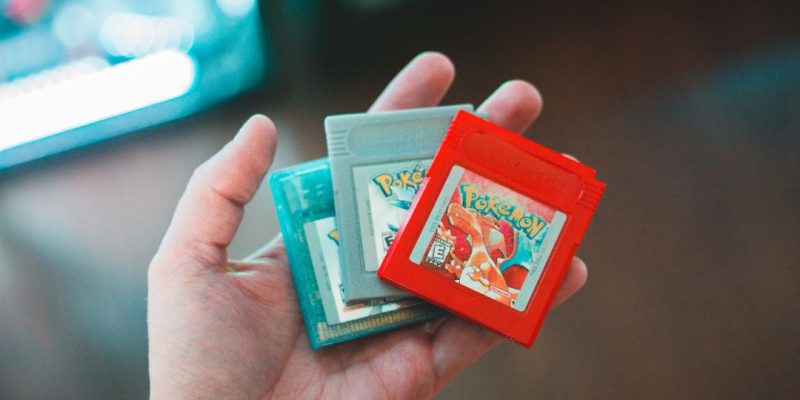
Pokémon Emerald, released in 2005 on Game Boy Advance, remains one of the most beloved installments of the series. To replay it today on a smartphone or computer, many seek to use a ROM, accompanied by a GBA emulator. But be careful: this type of practice, although widespread, falls into a legally delicate area.
Downloading a Pokémon Emerald ROM: what you need to know
A ROM is a digital copy of a video game extracted from its original cartridge. In the case of Pokémon Emerald, it typically weighs around 16 MB. These files are very easy to find on the web, but their distribution is governed by copyright law.
French (and European) legislation allows the possession of a ROM only if you own the original cartridge. Otherwise, downloading constitutes a violation of Nintendo’s rights. However, there are community platforms that host these files, often located outside the EU, but their use remains at your own risk.
Game Boy Advance Emulator: which one to choose?
To run a Pokémon Emerald ROM, you need to install a software that simulates the Game Boy Advance. Here are the most used ones:
- mGBA (PC, Mac, Linux): lightweight, reliable, with very good compatibility.
- VisualBoyAdvance-M (PC): very comprehensive, ideal for users who want to customize graphics or save their games.
- My Boy! (Android): efficient, with support for quick saves and cheats.
- Delta (iOS): allows you to run GBA games on iPhone or iPad, without jailbreak.
All these emulators support Pokémon Emerald without any problem, and also allow playing Ruby, Sapphire, Fire Red, or Leaf Green.
Steps to emulate Pokémon Emerald on mobile or PC
Here is the typical procedure to play Pokémon Emerald on a modern device:
- Download the emulator compatible with your system (for example mGBA on Windows).
- Obtain the ROM of the game (if you own the original cartridge).
- Launch the emulator, then open the ROM from the software interface.
- Configure the keys, language, and display options according to your preferences.
On Android or iOS, it is possible to add the ROM in a specific folder, then launch it directly from the app.
Saves, cheats, and visual enhancements
Emulation allows access to options absent from the original console:
- Quick saves at any time.
- Game acceleration (useful for skipping dialogues or repetitive battles).
- Cheat codes (unlimited items, level 100 Pokémon, etc.).
- Resolution enhancement on modern screens.
However, be careful not to activate too many modifications: this can cause bugs or corrupt saves.
Can you play online or trade Pokémon?
The majority of emulators do not natively allow network play or trading Pokémon between two ROMs. However, some modified versions (notably VisualBoyAdvance with network scripts) allow connections between two sessions on the same computer or locally.
Another alternative is to use hacked or reprogrammed versions of Pokémon Emerald, designed for emulation, which offer multiplayer modes, revisited maps, or Pokémon from later generations.
Is there a legal version on a recent console?
No, as of now, Pokémon Emerald is not officially available on Switch or on Nintendo’s online stores. It was briefly accessible on the Wii U virtual console in Japan, but no offer is currently available in Europe.
However, the GBA Collection could be expanded in the future on Nintendo Switch Online. But for now, the only way to relive this adventure is to replay on the original Game Boy Advance or go through emulation.







