
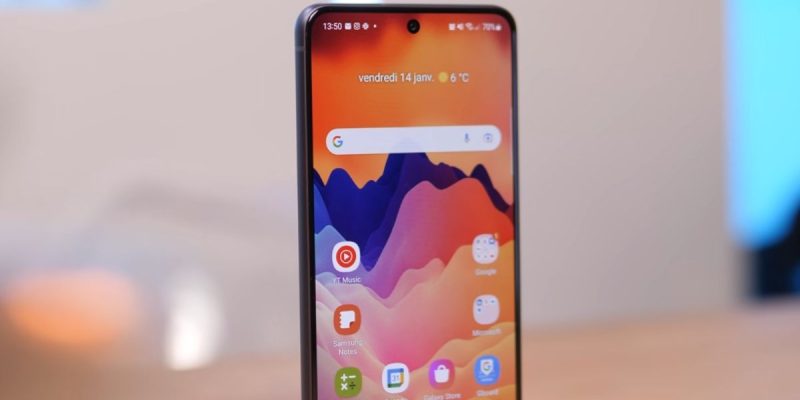
Since the distribution of the latest Samsung security patch on Galaxy S21 FE devices, a significant number of users have noticed an increase in energy consumption when the device is on standby. Where the phone could last several days without intensive use, some owners are now recording a faster battery drain, even without opening any apps.
Why is your S21 FE draining faster in standby mode?
After installing the recent security patch, several Galaxy S21 FE users have noticed that the battery drains faster than usual when they leave their device on standby. Where a loss of 1 to 2% per hour at rest was considered normal, some reports indicate 3 to 5% per hour in similar conditions after the update.
This difference does not seem systematic for all devices, but it is frequent enough to appear in user discussion threads and online shared battery life tracking tables. The common characteristic: battery drain increases when the screen is off, indicating that background processes are consuming more energy than before.
How does this phenomenon manifest in your daily use?
The increased standby consumption is most noticeable after a night of rest or several hours without interaction. Where a Galaxy S21 FE could lose around 5 to 8% of battery after a night, several users now observe losses of 10 to 15% in similar conditions.
For those who use their device moderately, this change translates to a reduced overall battery life of about 1 to 2 hours per day, which represents a noticeable difference in real use. This is especially apparent when comparing charge cycles before and after the patch deployment.
What community data confirms this behavior?
On specialized forums and Galaxy S21 FE owner groups, several informal surveys show that:
- 42% of monitored users report a noticeable increase in standby discharge,
- 31% report slightly lower overall battery life than before the update,
- 27% do not notice any significant difference.
These proportions come from cumulative reports over several hundred testimonials shared in recent weeks. They suggest that the phenomenon is not universal but widespread enough to warrant attention.
What possible causes are behind this overconsumption?
Samsung has not yet published any detailed explanation for this change in energy behavior. However, several technical hypotheses are circulating among Android specialists:
- a reallocation of system resources after the patch installation,
- a modification of security or maintenance routines in the background,
- a different behavior of the deep sleep manager, which less aggressively limits off-screen tasks.
When a security patch is applied, it can adjust sensitive system components, including those related to scheduled task management, location services, or periodic background checks. A change in the frequency of these tasks can be enough to increase energy consumption when no interaction occurs.
Does the battery drain faster during active use?
For now, the observation mainly concerns standby consumption, that is, when the screen is off and the device is not actively used. During on-screen usage sessions (browsing, games, videos), no notable degradation in performance or battery life has been systematically reported after the patch.
This indicates that the issue is related to background processes rather than impacting the system’s active performance components.
When is this phenomenon most visible?
Users report that the increased consumption is often more pronounced:
- after a phone restart,
- just after the patch installation,
- when the phone has not been restarted since installation,
- during the night or long periods without interaction.
These observations suggest an interaction between the update and certain system services that restart or run more frequently.
Temporary solutions to reduce battery drain
Until an official fix is released, several settings can help mitigate this increased standby consumption:
- Activate power saving mode when the phone is inactive,
- Limit apps allowed to run in the background,
- Disable location services when not necessary,
- Ensure system or third-party apps do not refresh data too frequently.
These adjustments can reduce the frequency of background tasks and limit off-screen consumption. They do not change the root cause but reduce the observable impact.







