
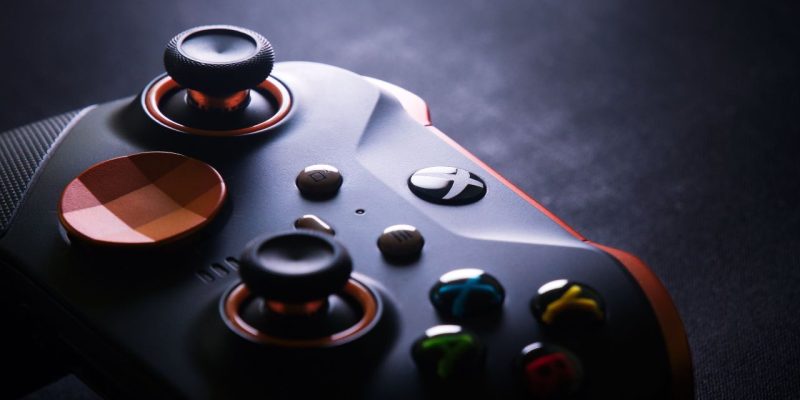
The idea of playing the Nintendo Switch with an Xbox controller is a common question among gamers, especially those who already own an Xbox controller and wish to use it on the Nintendo console. However, to understand if this is possible without an adapter, one must first look into the compatibility of the two systems and the different connectivity options.
Compatibility of Xbox controllers with the Nintendo Switch
Xbox controllers, whether wired or wireless, use a proprietary connection technology (Xbox Wireless or Bluetooth depending on the models) that is not directly compatible with the Nintendo Switch. Unlike other devices like PCs or smartphones, where it is possible to connect an Xbox controller via Bluetooth, the Nintendo Switch does not have native support for these controllers.
The Switch primarily works with its own Joy-Con controllers or the Pro controller, and although the console can connect to standard Bluetooth controllers, the Xbox is not among the devices directly recognized by the Switch. Moreover, the communication protocols of the Xbox, whether it is the Xbox Wireless Protocol (used by the Xbox One wireless controller) or the standard Bluetooth (present on newer models like the Xbox Series X/S), are incompatible with those used by the Switch, making a direct connection impossible.
Solutions for connecting an Xbox controller to the Nintendo Switch
Despite the lack of native support, there are solutions to connect an Xbox controller to the Nintendo Switch, although they require an adapter. Several manufacturers offer adapters that allow Xbox controllers to be linked to the Switch using compatible communication protocols. These adapters are generally small and plug directly into the USB port of the Switch’s dock or the USB-C port of the console.
A popular example of an adapter is the 8BitDo Wireless USB Adapter, which allows connecting an Xbox controller to the Switch, as well as to other consoles or Bluetooth devices. Simply plug the adapter into the USB port of the Switch’s dock, put the Xbox controller in pairing mode, and then connect it via the adapter. It is also possible to use a Bluetooth adapter, but this can sometimes lead to slight latency and connection stability issues.
See also: Code parental switch oublié : comment débloquer la console ?
Be aware these methods have their limits
Although the solution via adapter works, it has some limitations. For example, certain specific features of Xbox controllers, such as the Elite controller buttons or advanced vibrations, may not be fully supported on the Switch via this adapter. Additionally, configuring the adapter may sometimes require adjustments for the controller to work optimally with Switch games.
Another point to consider is that using adapters can introduce additional latency, slightly affecting the responsiveness of commands in games requiring precise actions, such as fighting games or fast-paced platformers. On the other hand, using a Nintendo Pro controller or Joy-Con guarantees a smooth and latency-free gaming experience, which remains an advantage for demanding players.





